Charges and payments
How do I filter payments by status in LOXA?
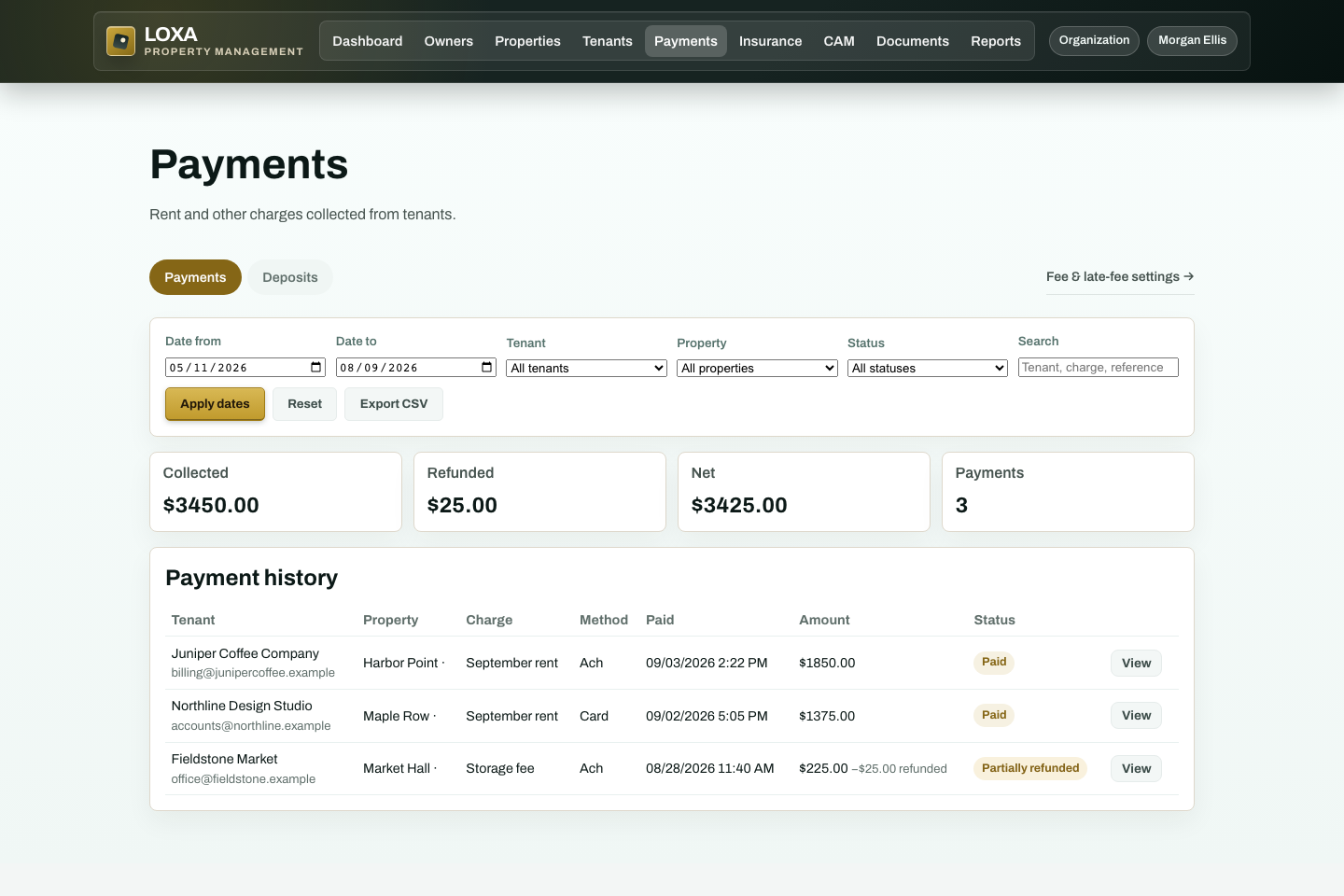
Choose Paid, Pending, Refunded, or another available status. Payment history shows the matching states.
Before you start
- You need access to the Charges and payments workflow in your LOXA role.
- Have the status you need to review ready before you begin.
Step by step
Sign in to LOXA and open Charges and payments.
Choose Paid, Pending, Refunded, or another available status
Enter or review the status you need to review.
Review the record and select the available save, confirm, or continue action.
Verify that payment history shows the matching states.
What should happen
Payment history shows the matching states.