Owners and money routing
How do I review an owner's verified payout bank in LOXA?
Open the Owner payout account panel. You can confirm which bank will receive Stripe payouts.
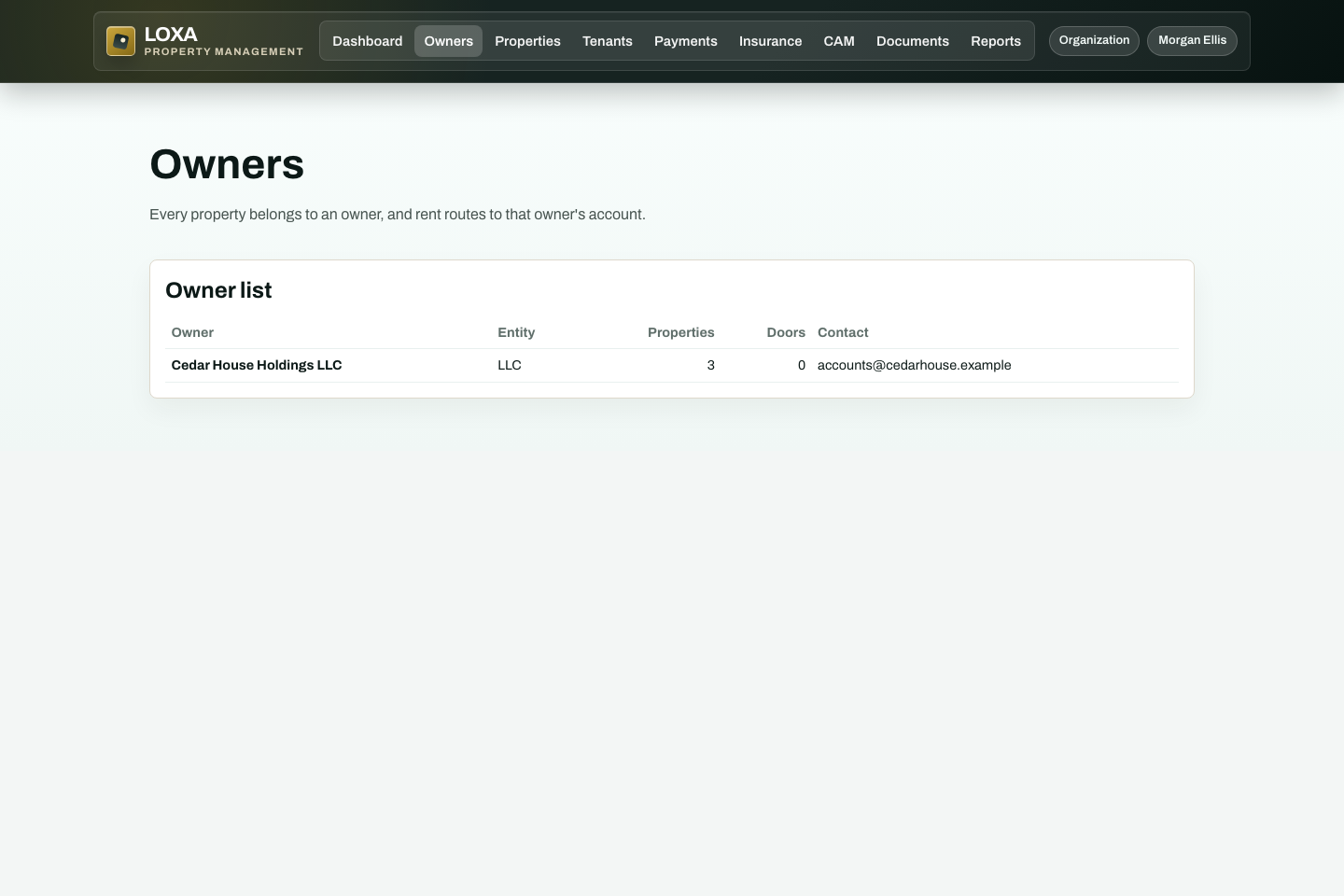
Before you start
- You need access to the Owners and money routing workflow in your LOXA role.
- Have the institution, last four digits, and verification status returned by Stripe ready before you begin.
Step by step
Sign in to LOXA and open Owners and money routing.
Open the Owner payout account panel
Enter or review the institution, last four digits, and verification status returned by Stripe.
Review the record and select the available save, confirm, or continue action.
Verify that you can confirm which bank will receive Stripe payouts.
What should happen
You can confirm which bank will receive Stripe payouts.